Every part of the pharmacy, in one place
Sales, inventory, purchases, finance, staff and branches. These are screens from the live product, not mockups.
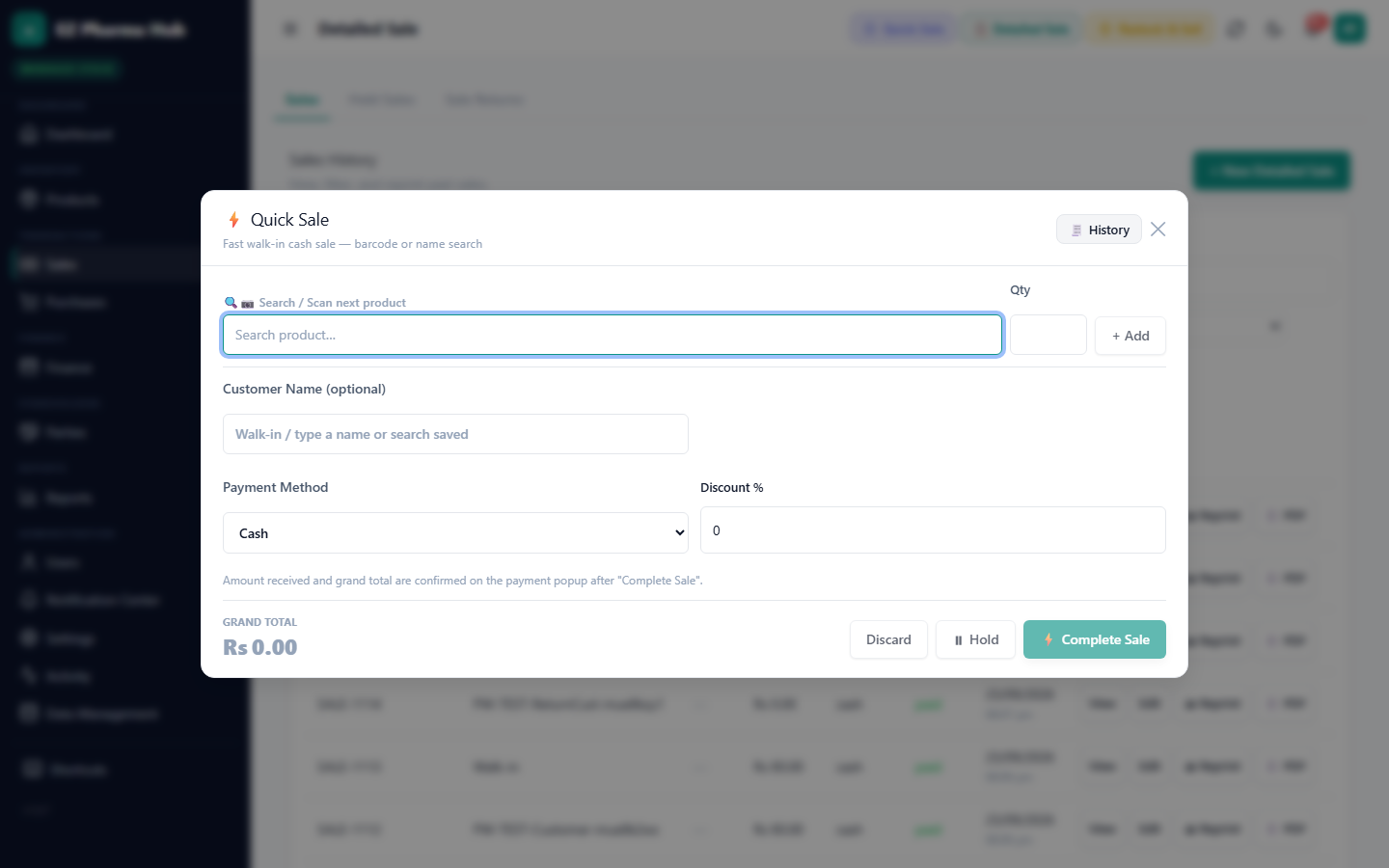
Quick Sale for the counter
Built for speed at a busy counter: search or scan, adjust quantity, take payment and print.
- Search by brand, generic or barcode
- Pack and loose-unit selling
- Hold, resume and reprint sales
- Sale returns against the original invoice
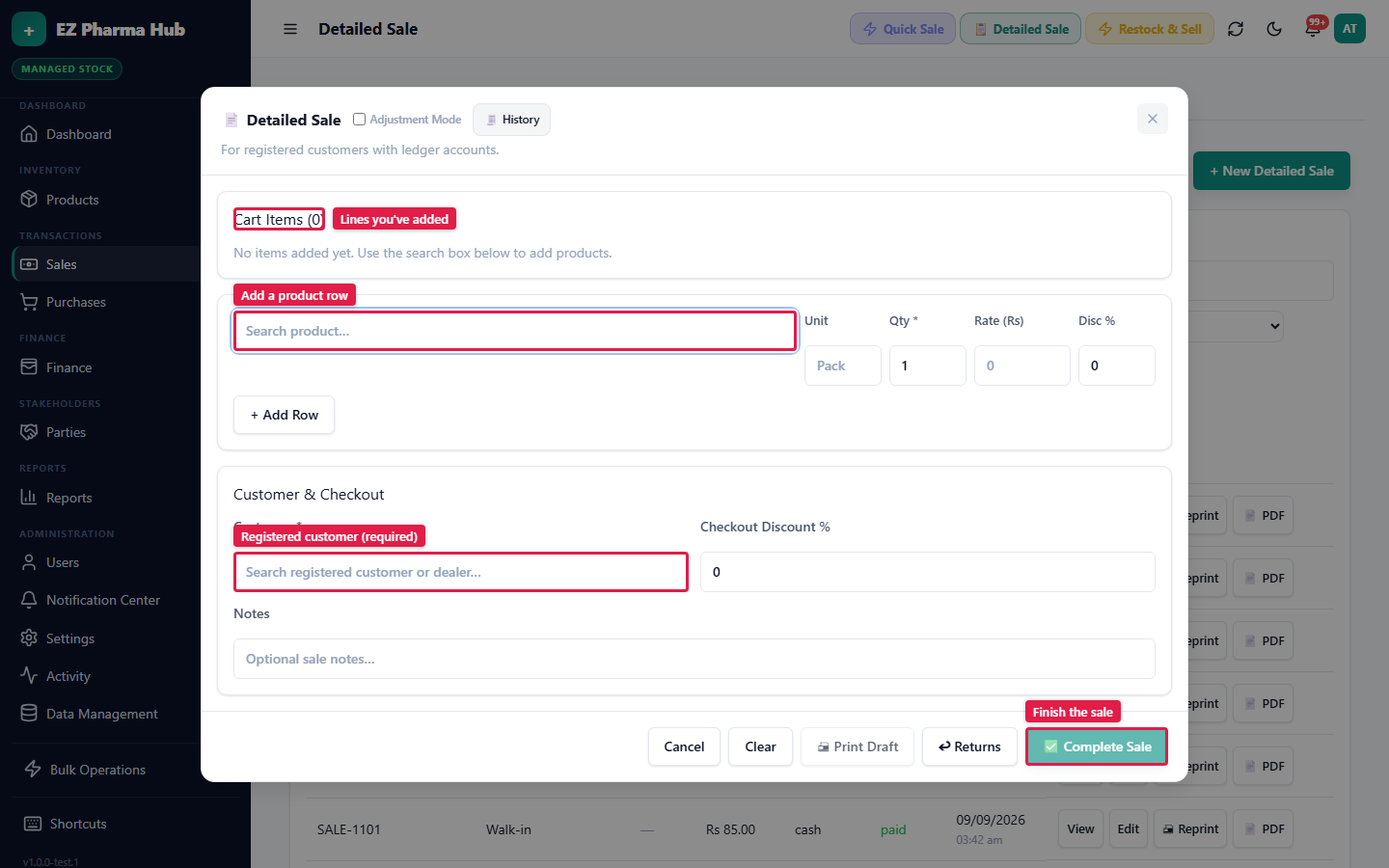
Detailed Sale for invoices and wholesale
Full invoices with customer, discounts and wholesale pricing for orders from clinics, hospitals and other pharmacies.
- Retail and wholesale price tiers
- Line and invoice-level discounts
- Credit sales posted to the customer's ledger
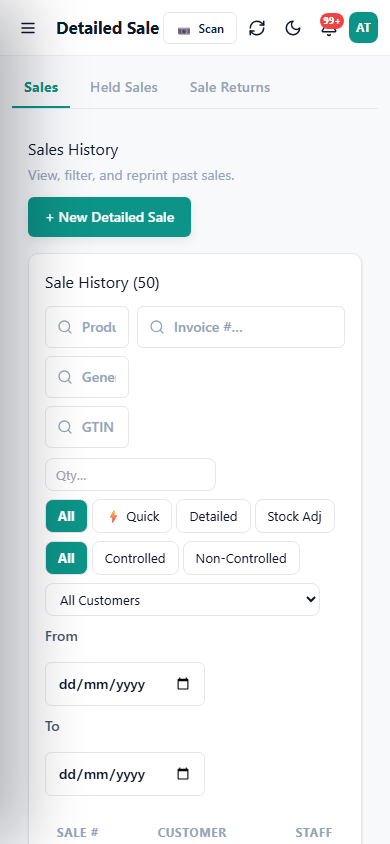
A counter in your pocket
The full app works on phones and tablets, including camera scanning, so extra staff can bill from anywhere in the store.
- Installable as an app (PWA)
- Scan with the phone camera
- Same permissions as on desktop
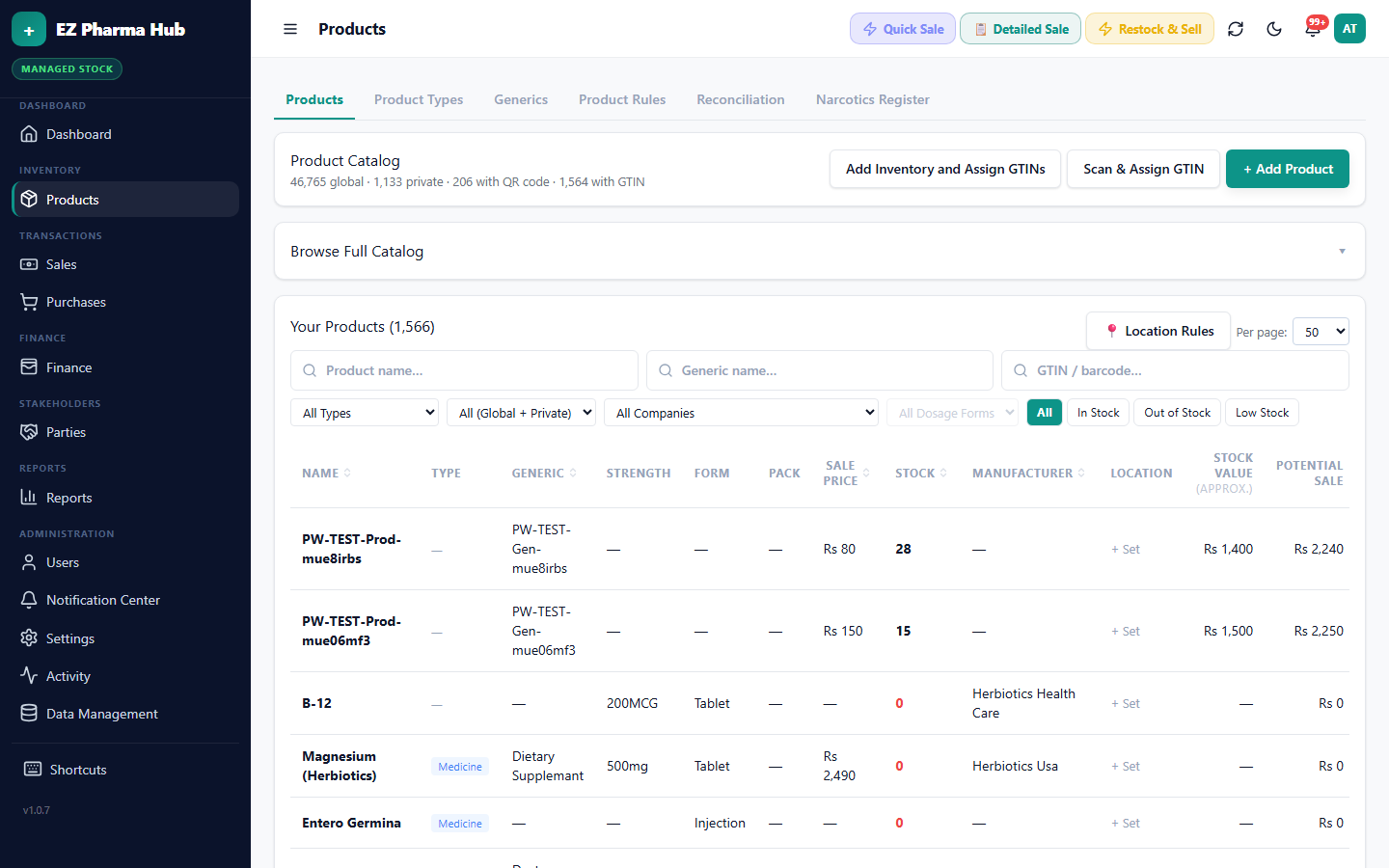
Catalogue, batches and expiry
Track every product by batch, expiry, pack size and price, with stock separated per branch.
- Generics and product types built in
- Near-expiry and low-stock alerts
- Stock card with complete movement history
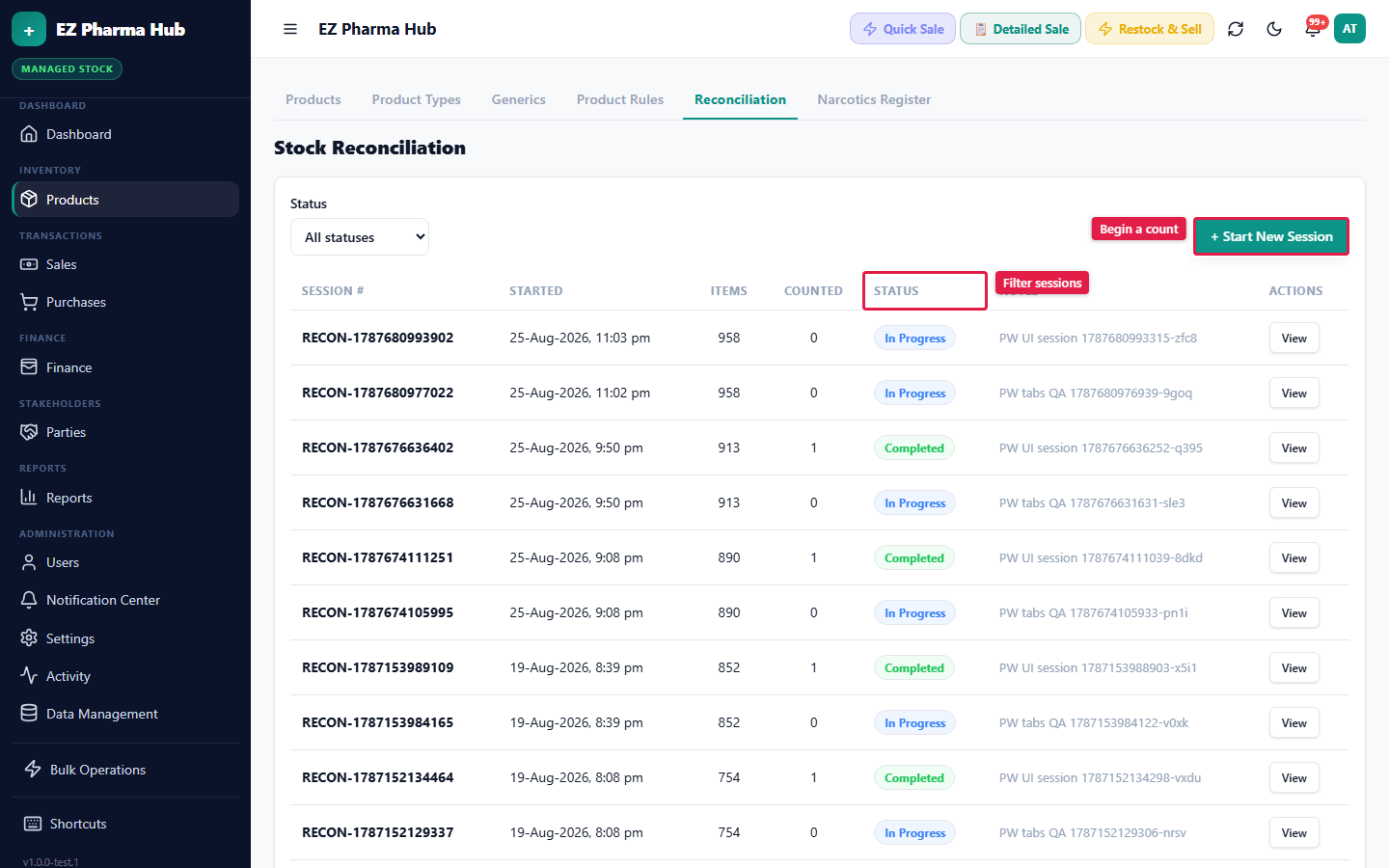
Stock counts that reconcile
Count physical stock and post adjustments with a reason, so differences are recorded instead of quietly disappearing.
- Count by product and batch
- Adjustments recorded with user and reason
- Inventory value always up to date
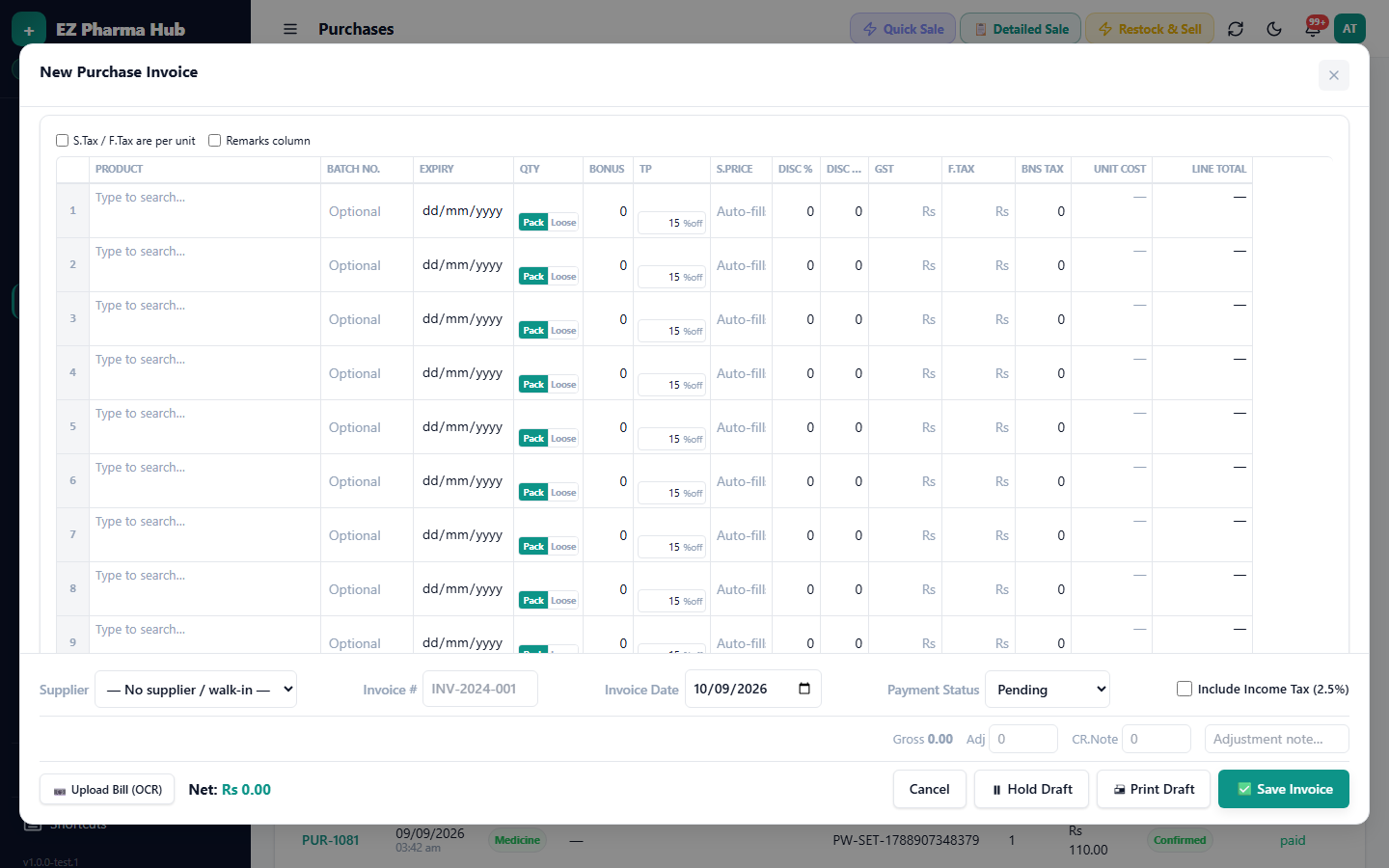
Purchases from a photo
Photograph the distributor's bill and it's read into a purchase invoice draft. Check it, save it and the stock is in.
- Batch and expiry captured on entry
- Purchase returns to suppliers
- Supplier payables tracked automatically
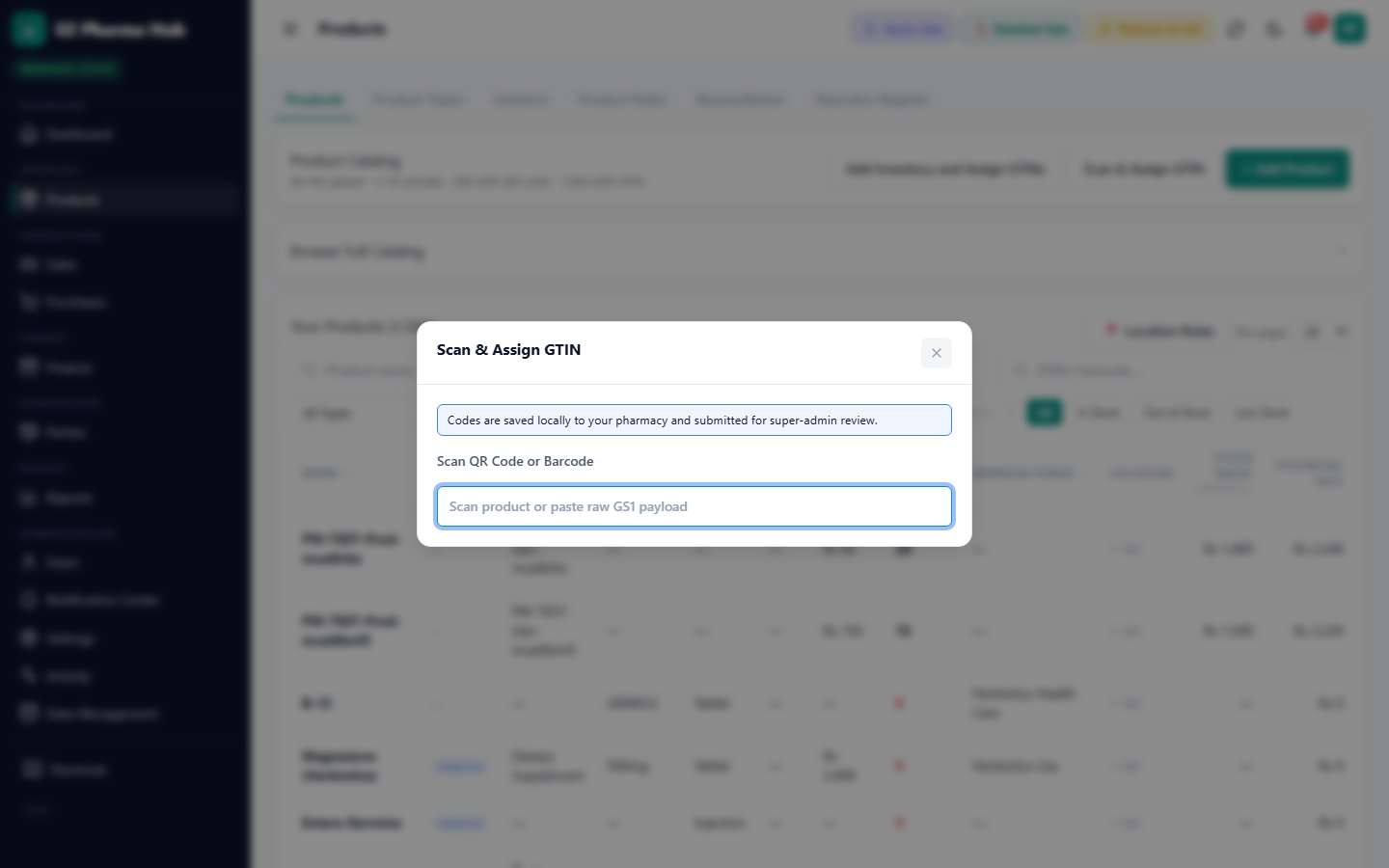
Barcodes and DRAP 2D codes
Scan standard barcodes or the 2D codes printed on medicine packs to find a product instantly, or link a new code to a product once.
- USB and Bluetooth scanners
- Phone camera scanning
- GTIN and registration number assignment
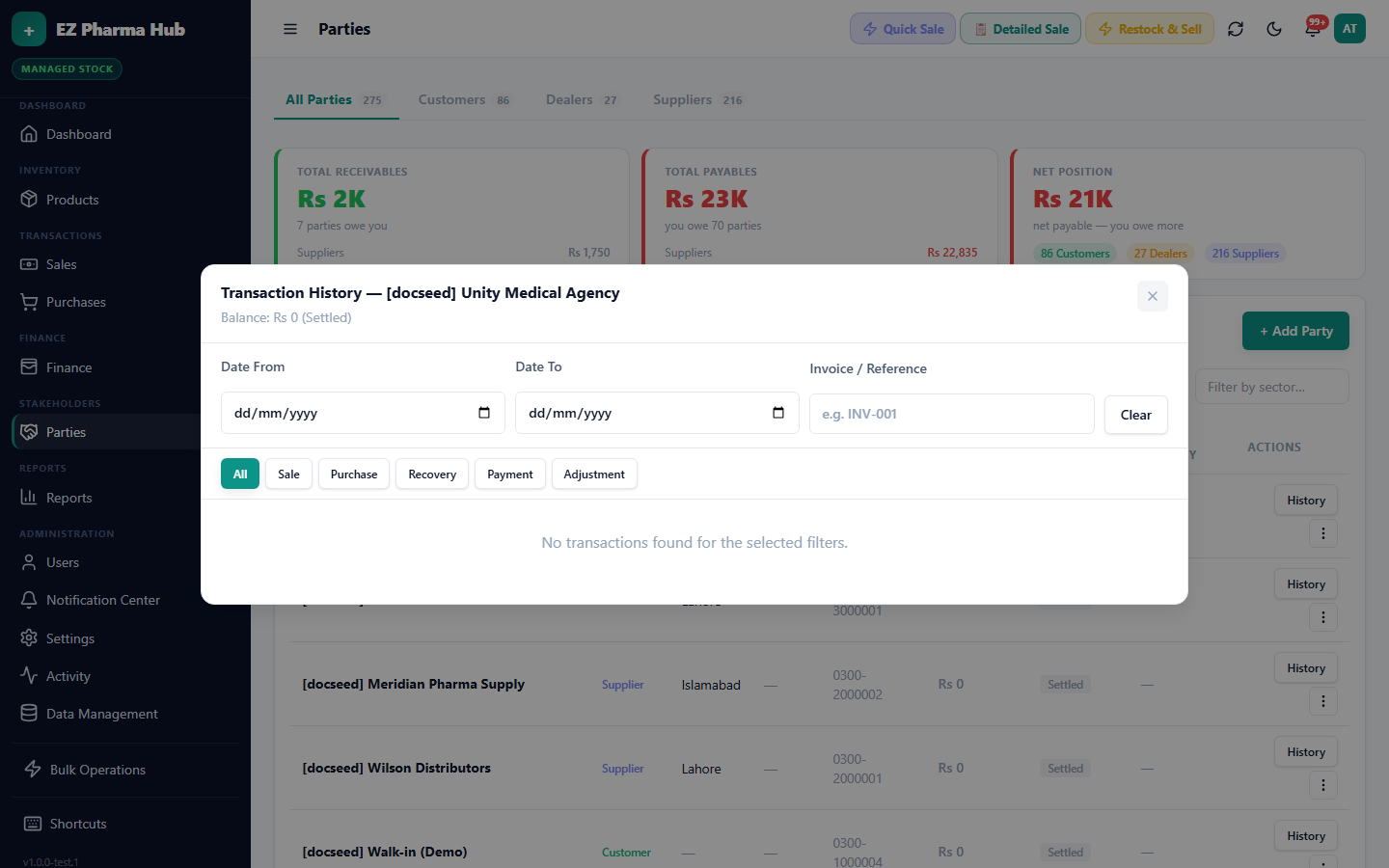
Customer and supplier credit, tracked
Credit sales and purchases post straight to each party's ledger with a running balance, so your khata is always current.
- Receive and make payments
- Statements per customer or supplier
- Outstanding balances at a glance
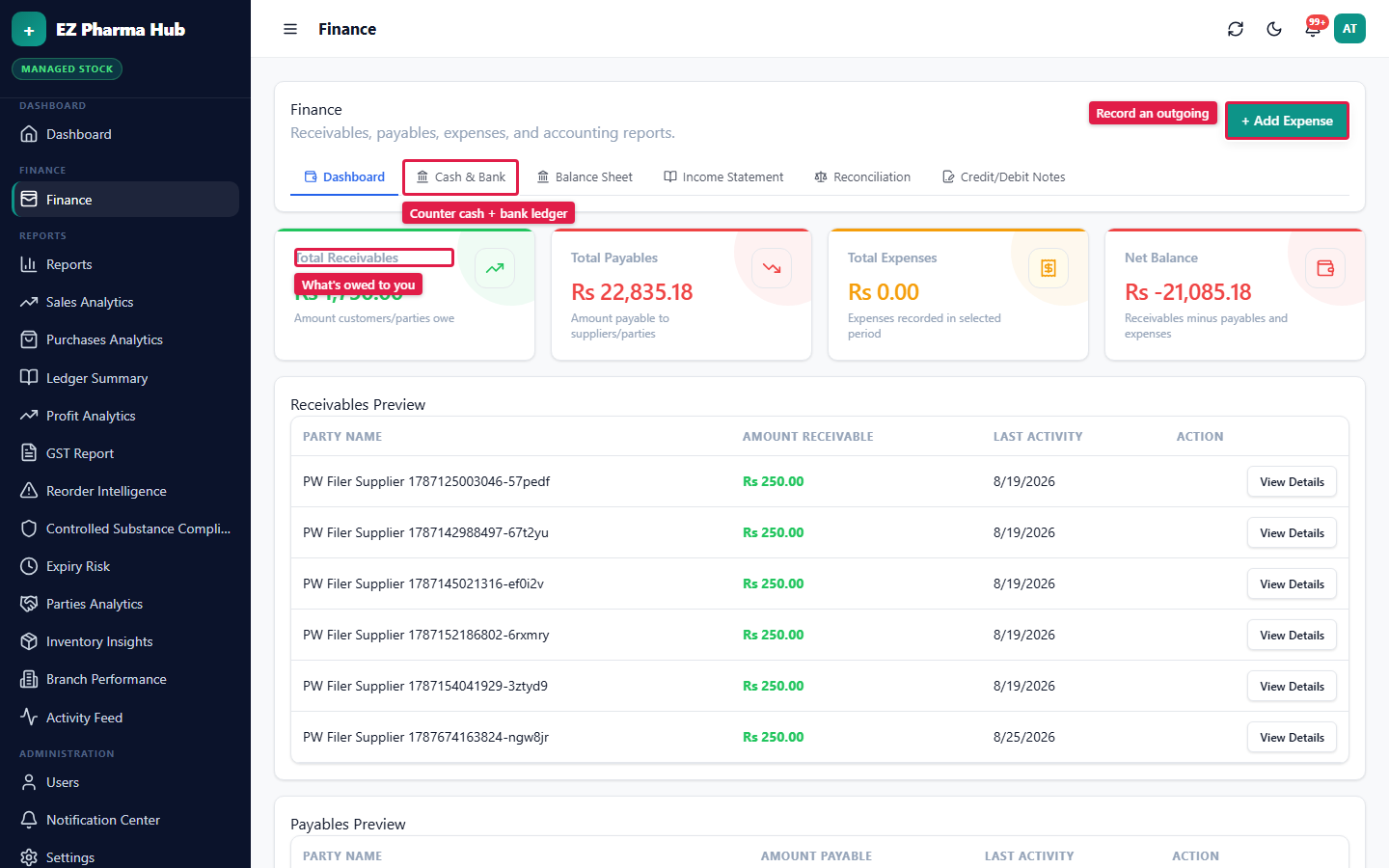
Finance built in
Cash, bank, expenses and payables alongside your sales, with no separate accounting software to reconcile.
- Cash and bank accounts
- Expense recording
- Balance sheet and daily closing
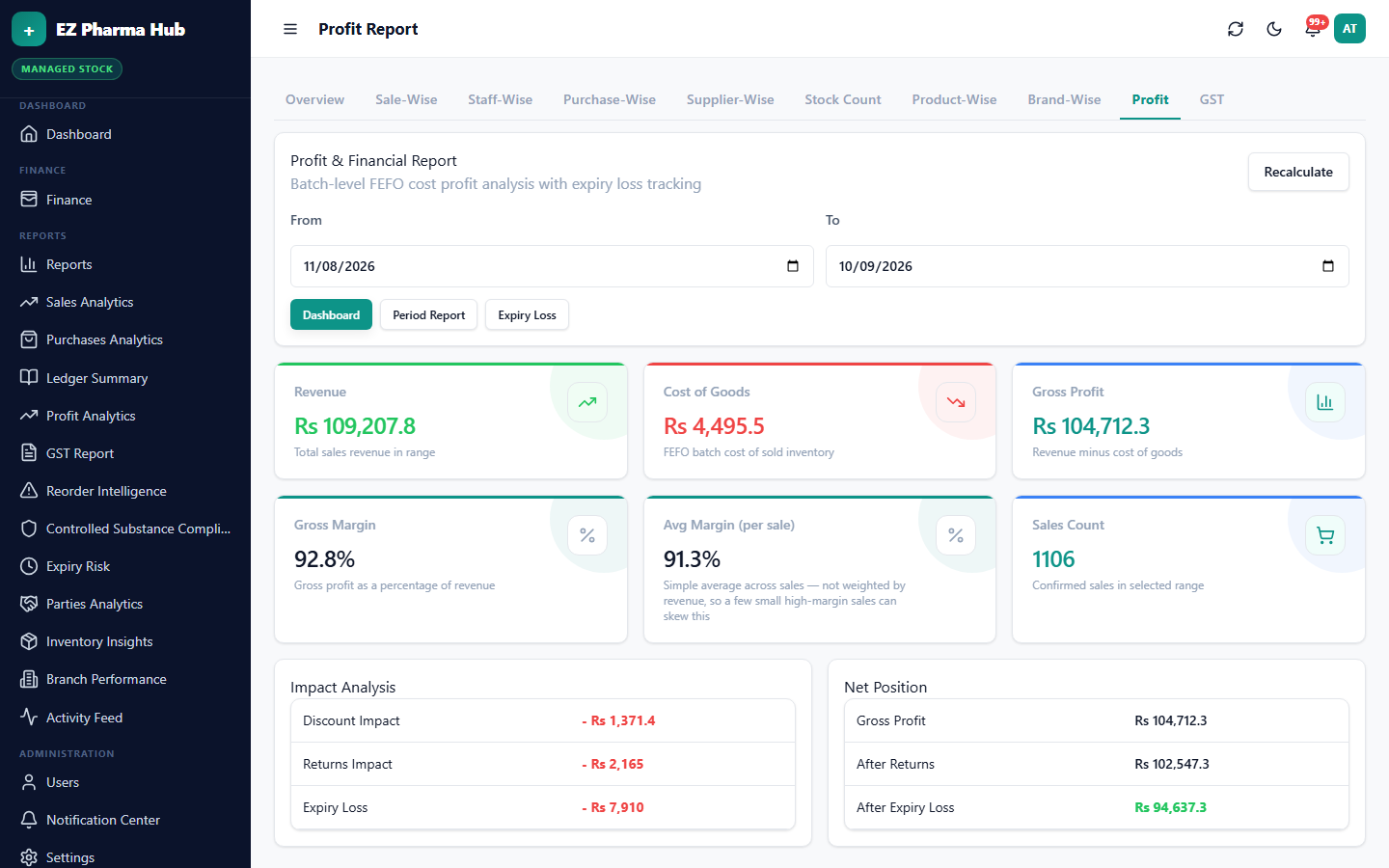
Profit you can trust
Profit is calculated from actual batch cost prices, by product, period and branch.
- Profit, sales and purchase reports
- GST summary for FBR filing
- PDF and spreadsheet export
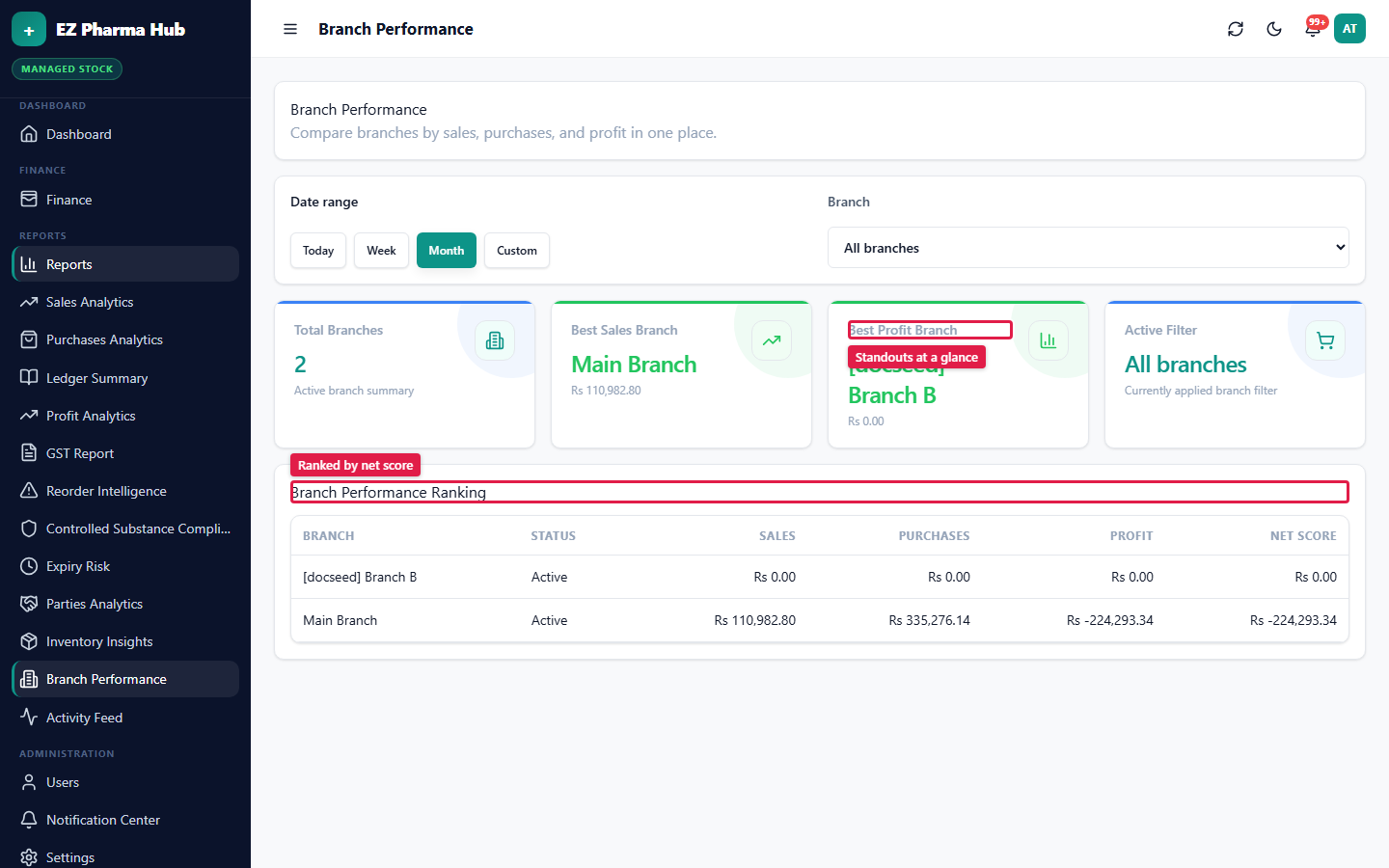
One dashboard for every branch
The owner portal compares branches side by side, while each branch keeps its own stock, staff and cash.
- Branch-wise sales and profit
- Shared catalogue across branches
- Switch branch without logging out
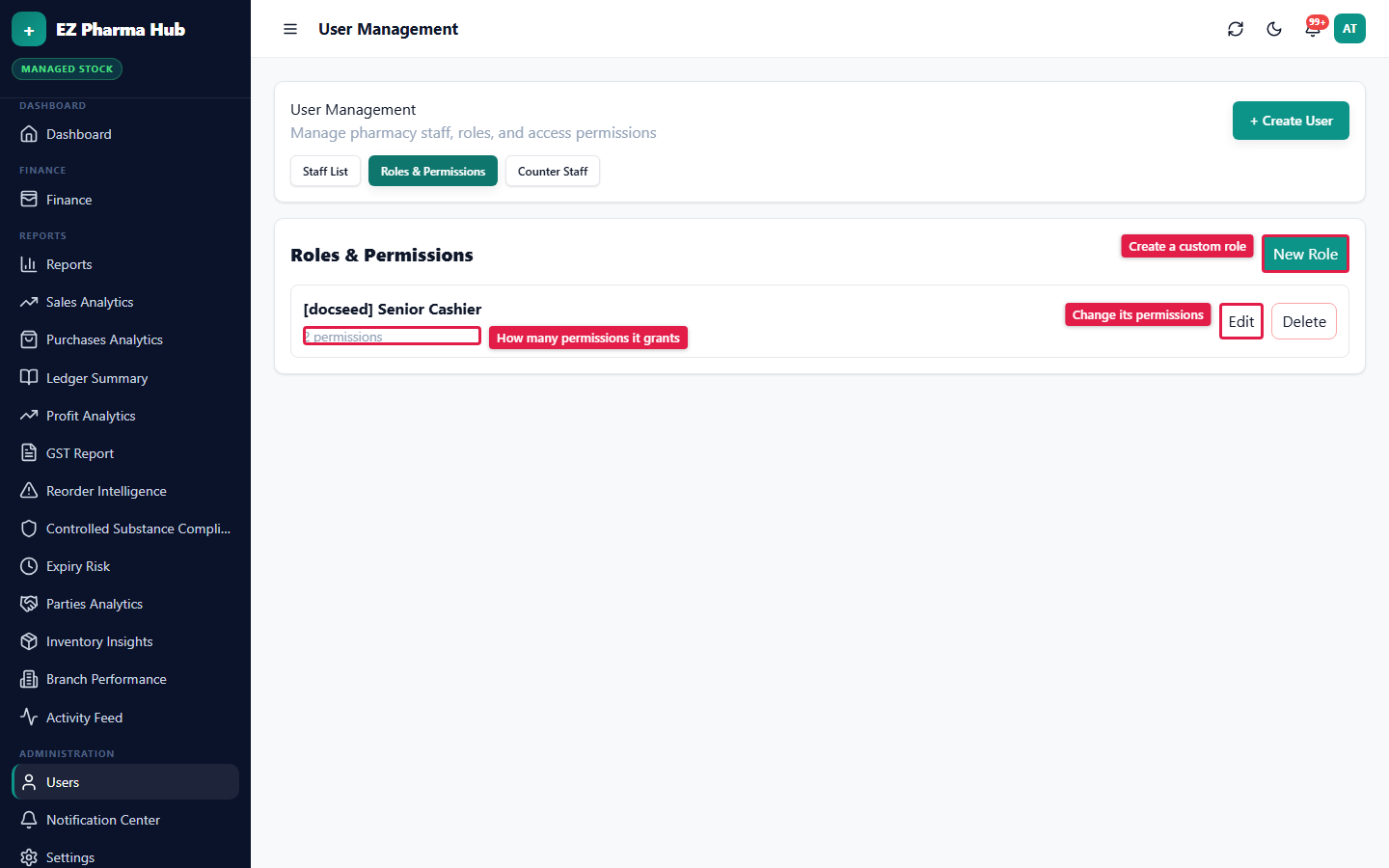
Roles, permissions and audit
Decide exactly what each person can see and do. Changes apply on their next action, and every action is logged.
- Custom roles with fine-grained permissions
- Per-branch staff access
- Activity feed of who did what, when
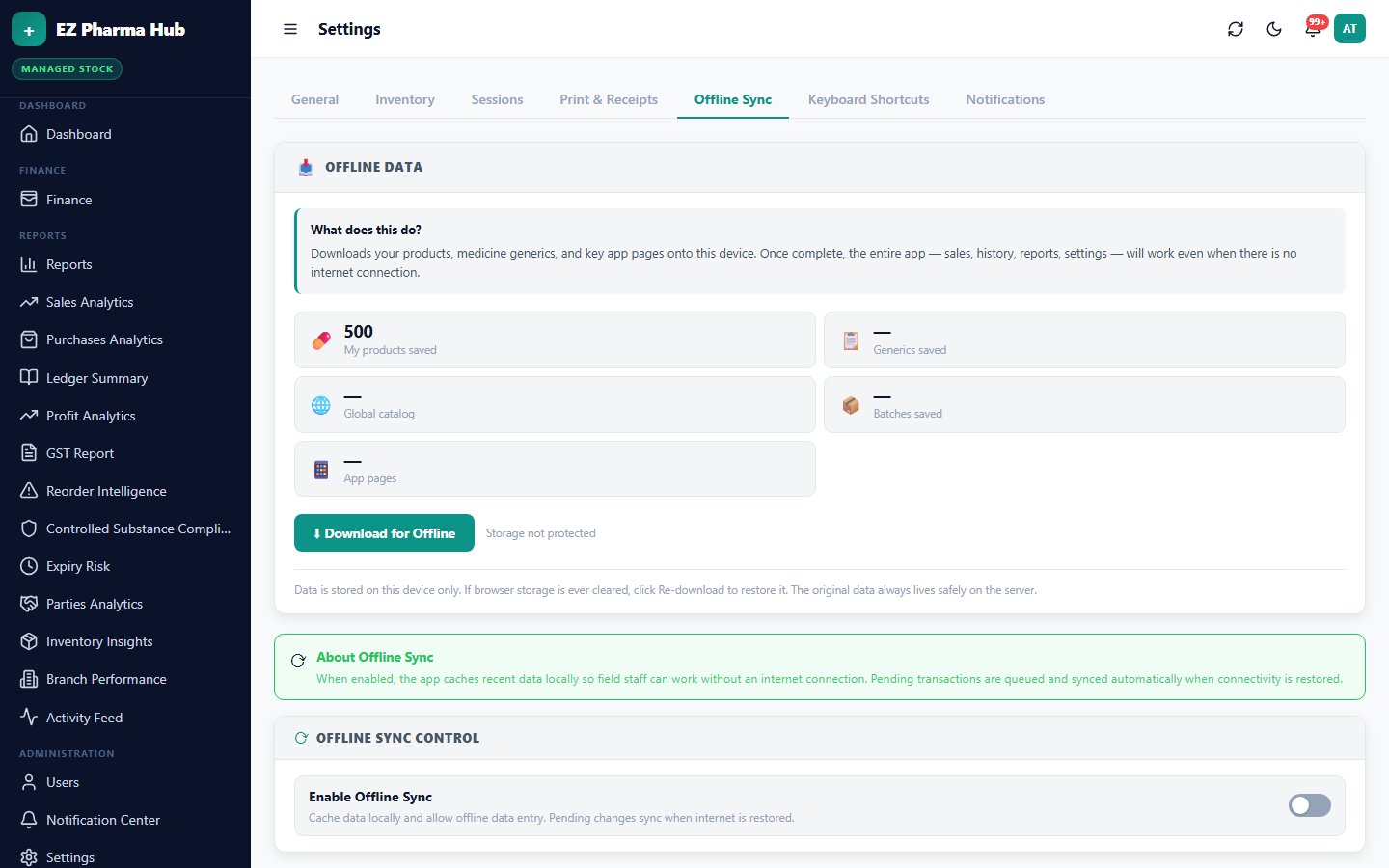
Keeps working when the internet doesn't
Sales and purchases made offline are queued on the device and synced safely when the connection returns, with no duplicates.
- Offline billing and staff PIN login
- Automatic sync on reconnect
- Duplicate-safe replay of queued work
See it running in your pharmacy
Create your account in minutes, or book a 20-minute WhatsApp or video walkthrough with our team.